
How listing works
From eligibility check to your first booking
Ten steps. The first ones happen here; the rest in the app.
Check eligibility
Country of registration, year, location, ownership, ITV and insurance. No documents.
Create your account
Email and password. The same account works in the app.
Verify your details
Identity and payout details in the app.
Add the vehicle
Plate, make and model, year, transmission, fuel, seats and whether you offer a child seat.
Upload photos and documents
Six photos following the guide with an example for each angle.
Set availability and price
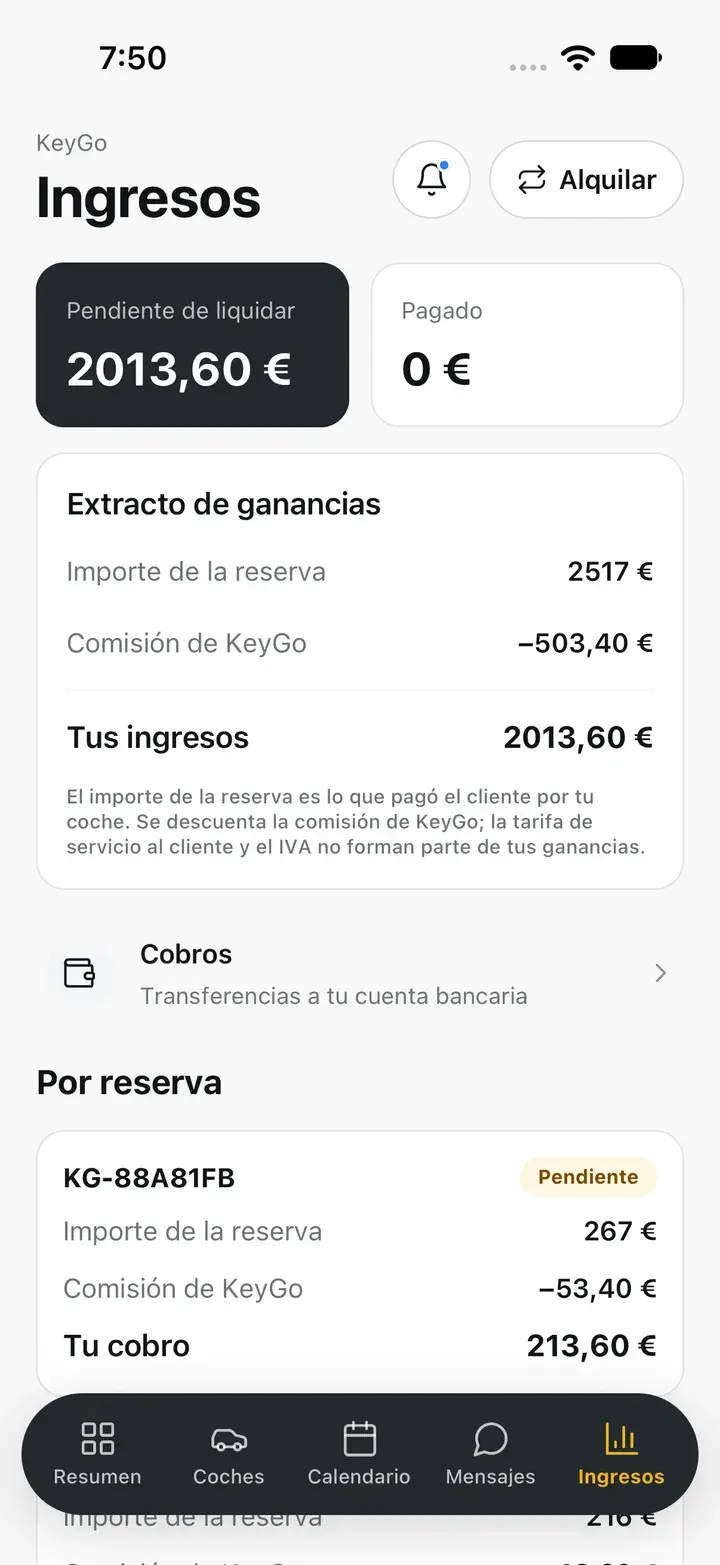
The app suggests a price from similar cars and shows your net after the KeyGo commission.
Submit for review
We review documents and photos.
Publish once approved
Your car appears in search.
Manage bookings
Accept requests, block days and message the renter after payment.
Get paid
Payout arrives once each trip is settled.
The photo guide
The app shows an example for each slot: front ¾, rear ¾, side, front seats, dashboard and boot. Daylight, whole car in frame.
Frequently asked questions
How much could I earn?
It depends on price, available days and real occupancy. Use the calculator; it isn't a guarantee.
Can I choose when it's available?
Yes. Block days in the app calendar.
How are renters verified?
They photograph their licence in the app before their first trip. You see the badge on every request.
How does handover work?
Meet the renter or deliver the car. They take six photos and record the fuel.
What if my car is damaged?
Pickup and return photos document condition. The claims process depends on protection, pending the partner.
When do I get paid?
Once each trip is settled.
Can I pause my listing?
Yes, any time from the vehicle page.
Who counts as a professional host?
Businesses or self-employed hosts listing several vehicles. Final eligibility is confirmed during onboarding.
How many vehicles can I list?
There is no published fixed limit. We discuss it based on your operation.
What documents are needed?
They're requested during onboarding, not in the first request. The final list is pending legal approval.
Can my staff manage vehicles?
Staff permissions are in development.
Are integrations available?
Not yet. They're in development.
Can we migrate our operation?
Bulk import is in development. Meanwhile we help you add vehicles.